Settlements and Money Not Received
Ottu does not hold your money and does not pay it out to you. Each payment is processed on your own merchant account (MID) at your bank, or at your payment aggregator, through a connector. The bank or the aggregator then transfers the money to your bank account. That transfer is the settlement, and it happens outside Ottu.
So there is no settlements page in the Ottu Dashboard, and Ottu cannot see your bank account. What Ottu shows is its own side: the customer paid, how much, and on which merchant account.
What does "Settled Amount" mean in Ottu?
The Settled Amount of a transaction is the amount the customer paid, or that was authorized, on your merchant account, in the transaction's currency and without fees. Once a payment is Paid, Ottu counts it as settled on your merchant account. This is the same for a direct bank connector and for an aggregator.
It does not mean that the bank has already transferred the money to your bank account. Only your bank or your aggregator can confirm that. See Amounts Breakdown for the other amounts of a transaction.
My customer paid but the money is not in my bank
Who can do it: any dashboard user who can see the transaction.
First check the payment in Ottu:
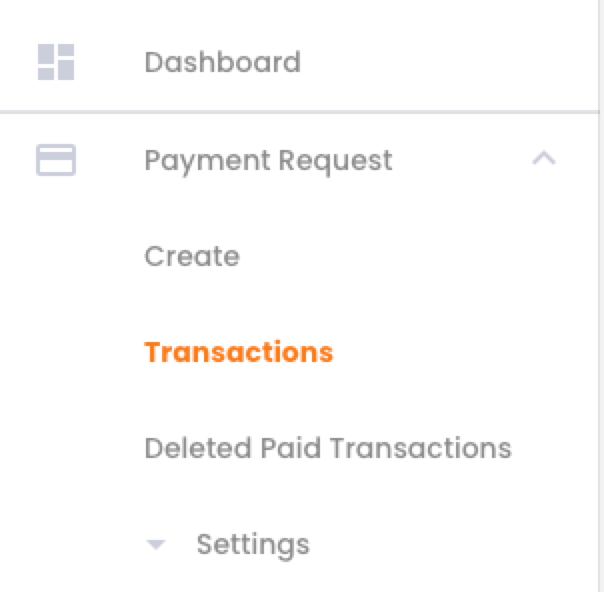
In the Ottu Dashboard sidebar, open the plugin the payment was made with, for example Payment Request, and click Transactions.
Find the payment: above the table, choose a field in Select field, type the value in the Search box and click Search. See How do I find one transaction?

Check its State:
- Paid: the bank accepted the payment and the amount was deducted from the customer. Continue with step 4.
- Authorized: the amount is only held on the customer's card. It is not settled until you capture it.
- Any other state: the payment did not succeed, so there is nothing to settle. See Transaction States.
Click the transaction's ID to open its details and note:
- the Amount and the currency;
- the payment date;
- the connector the payment went through;
- the Order no and the Session ID;
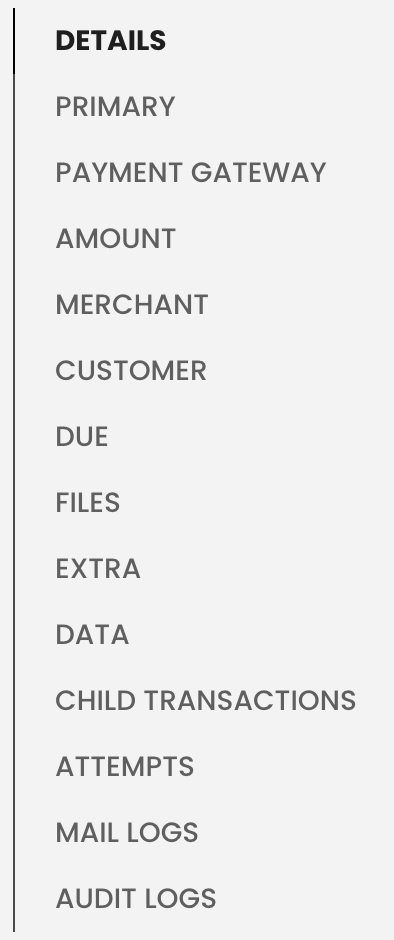
- under Attempts, in the list of sections on the right, the Reference number of the successful attempt. This is the reference Ottu sent to the bank for this payment.
Then contact your bank, or your aggregator if you use one, with these details and ask:
- Was this payment received on my merchant account?
- In which settlement was it included, and on what date was that settlement transferred?
- Were fees, refunds or chargebacks deducted from the settlement?
Banks usually transfer payments in batches, some days after the payment, and after deducting their fees. One transfer to your account often covers many payments, so its amount rarely matches a single payment.
To compare Ottu with your bank statement, export your paid transactions for the period and match them with the bank's settlement report.
What's Next?
- Export Transactions -- Get a file of your paid transactions for reconciliation
- Transaction States -- What Paid, Authorized and the other states mean
- Transaction Insights -- Amount, settled amount, paid amount and fees
- Operations -- Capture, refund and void