Why Can't I See All the Transactions?
If you cannot see all the transactions and a colleague sees more than you, nothing is missing: your user has fewer permissions. In Ottu, each user's permissions decide which transactions they see. An administrator of your account sets them.
What to do: if you are not an administrator, ask your account administrator to check your permissions. Tell them which transactions you expect to see: which plugin, who created them, and which connector they were paid through. The rest of this page is for the administrator.
What decides which transactions a user sees?
Three things, and all three apply together.
1. The view permission of each plugin
A user sees the transactions of a plugin only with a view permission for that plugin. For Payment Request there are three levels:
- Can view payment requests: the user sees all payment requests.
- Can view owned payment requests: the user sees only the payment requests they created themselves.
- Can view group payment requests: the user sees the payment requests created by users who share a group with them.
The Bulk and Customer Payments plugins have the same three levels (for example Can view owned bulk payment requests). The E-Commerce plugin has one: Can view e-commerce payments.
This is the most common cause. A user with only the "owned" permission does not see the payments their colleagues created, and usually does not see payments created through the API or an online store, because those have no dashboard user as creator.
2. Connector permissions
Each connector has a permission named Can use followed by the connector's name.
- A user with no such permission is not limited: they see transactions of every connector.
- A user with one or more of them sees only the transactions of those connectors.
This applies to the Payment Request and E-Commerce transactions. So a user who was given one connector sees fewer transactions than a colleague who was given none or all of them.
3. Unit permissions
If your account uses units, each unit also has a Can use permission, and the same rule applies: no unit permission means all units, one or more means only those units.
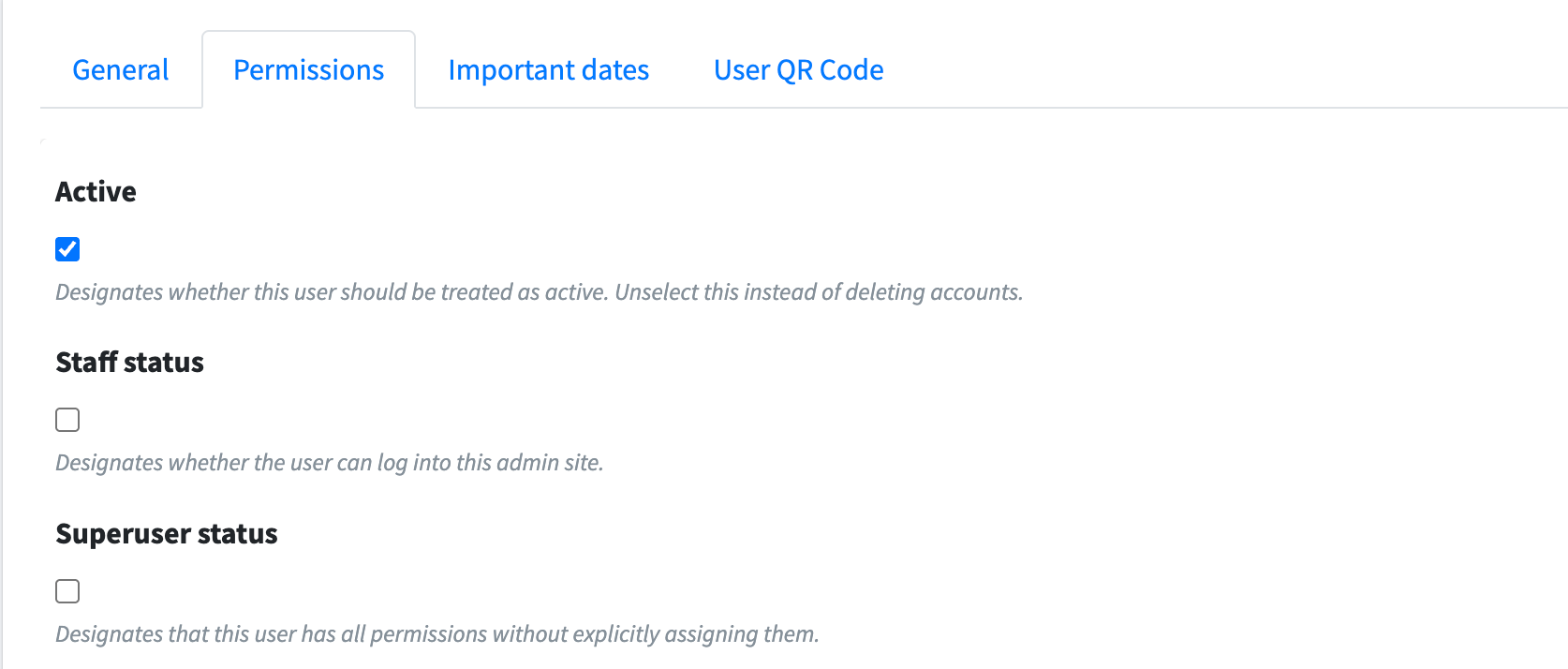
Superusers are not limited by any of these. They see everything.
How an administrator gives a user access
Who can do it: an administrator of your account.
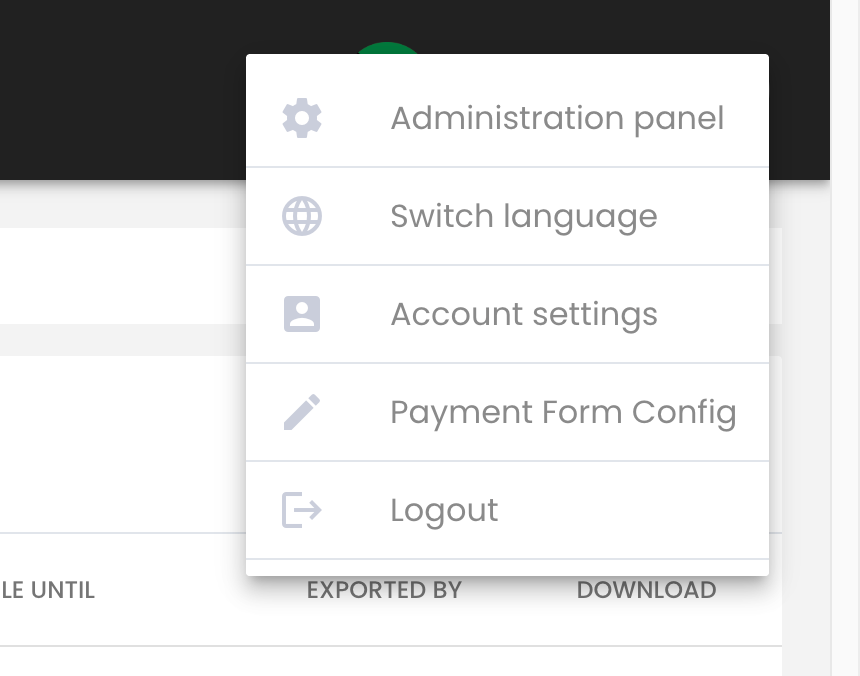
In the Ottu Dashboard, click the three-dot menu in the top-right corner and click Administration panel.
In the top menu, click Users, then click the user.

Open the Permissions tab.
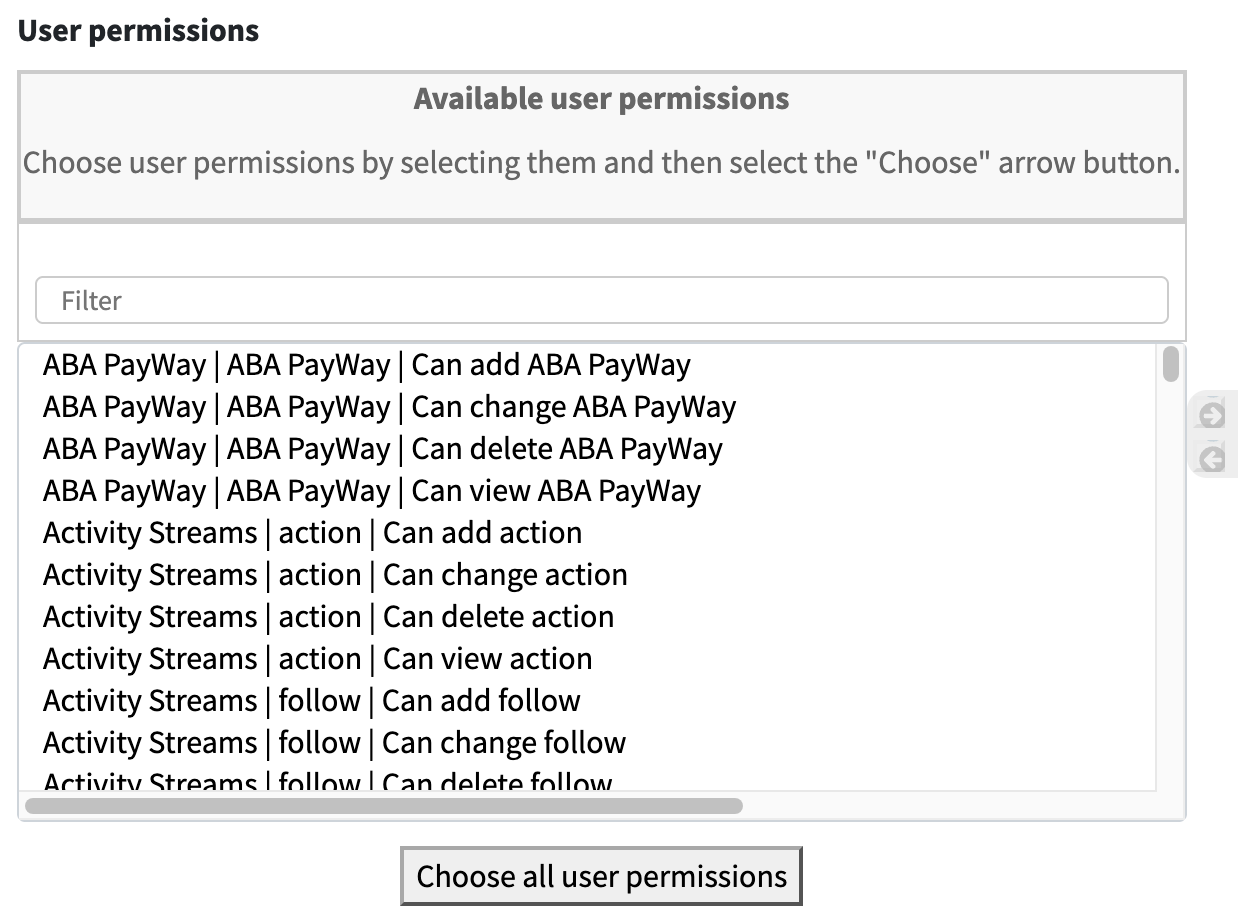
Under User permissions, find the permission in Available user permissions, for example Can view payment requests. Typing part of its name in Filter shortens the list. Select it and click the arrow that points right: it moves to Chosen user permissions.
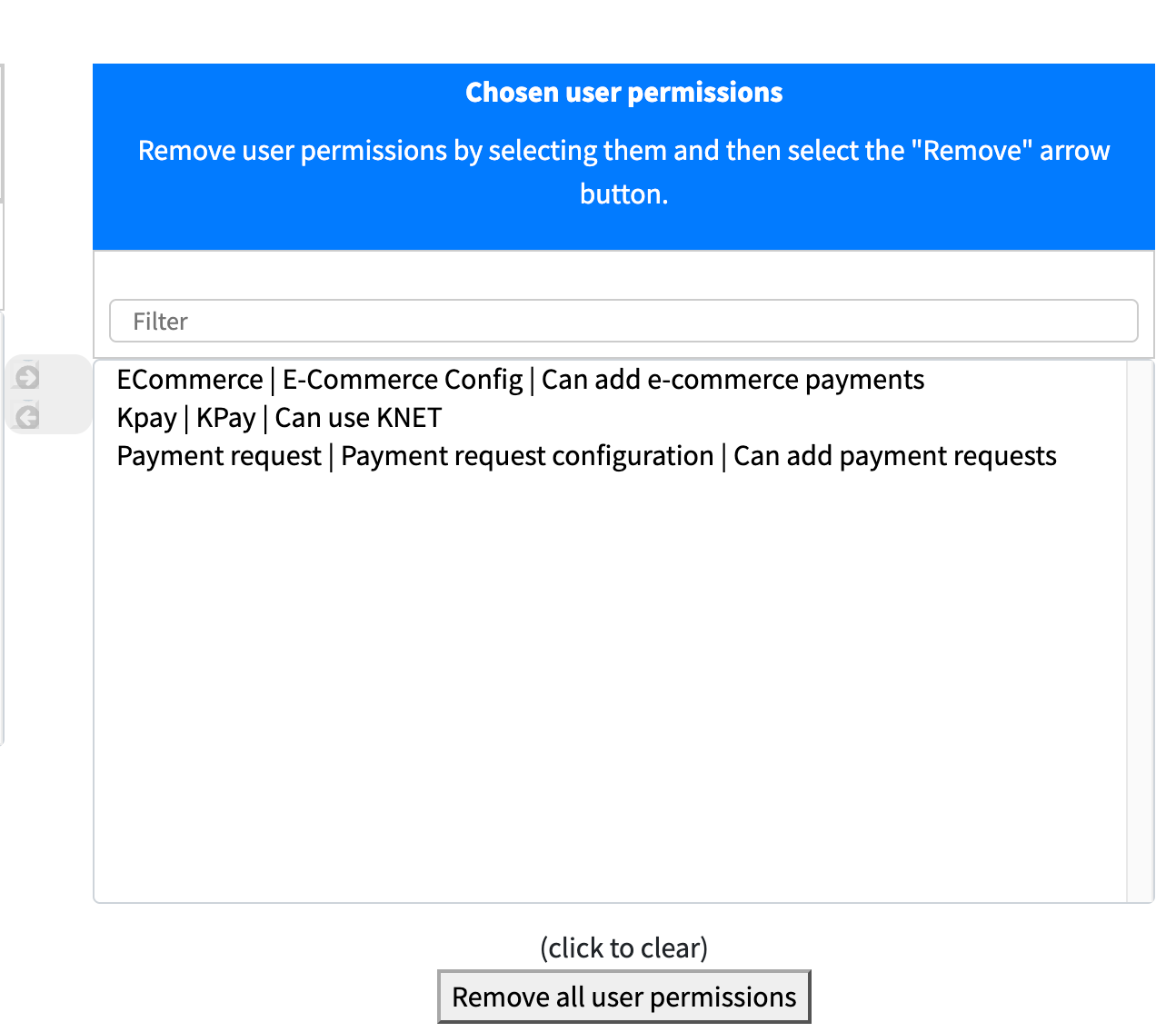
To remove a limit, select the permission in Chosen user permissions and click the arrow that points left. For example, remove Can view owned payment requests after adding Can view payment requests, or remove a connector's Can use permission.
Click Save.
To give several users the same access, put the permissions on a group, on the Groups page of the Administration panel, and add each user to the group under Groups in the user's Permissions tab. Check a user's groups too when they see less than expected: a "group" view permission shows only the payments of users in the same groups.
What's Next?
- Users and Access -- Get the list of users, add or deactivate a user
- Search & Filter Payments -- Find and filter the transactions you can see
- Refund & Void Access Control -- Who can refund and void